Getting Started with DigitalKey ERP
What the system is, who uses it, and the two concepts — roles and lifecycle states — that explain most of its behaviour.
DigitalKey ERP — Docs · digital-key.co/docs/getting-started
Overview
DigitalKey ERP is a multi-tenant ERP and point-of-sale platform built for Iraqi businesses. One installation serves many businesses at once: each business is a tenant, and every tenant has its own users, products, customers and books. Data never crosses between tenants.
The system covers the counter (POS), the stockroom (products, warehouses, purchases), the customer ledger (debts, payments, statements), and the back office (expenses, finance, reports). A business can also publish its products on the DigitalKey B2B marketplace and take orders from other businesses.
Each business works in one main currency, chosen by the owner at first sign-in — Iraqi Dinar, US Dollar or one of seven others. Every price, cost and report of that business is in it. The DigitalKey subscription itself is always billed in Iraqi Dinar (IQD).
You do not buy the whole system. You subscribe to individual features, each with its own monthly price, and pay only for what you switch on. See How Billing Works.
System requirements
- A modern web browser — Chrome, Edge, Firefox or Safari, kept up to date.
- An internet connection. The system is online-only; there is no offline mode.
- Any device — desktop, laptop, tablet or phone. The layout adapts to the screen.
- No installation. Nothing is downloaded and nothing needs updating on your device.
User roles
Your role is fixed on your account and decides what you can see and do. There are two roles inside a business and two above it.
| Role | Scope | What it is for |
|---|---|---|
admin | Whole platform | DigitalKey staff only. Creates tenants, resellers and users; runs billing. |
reseller | Their own tenants | A partner who sells and supports DigitalKey. Creates and funds client businesses. |
owner | One business | The business owner. Can do everything the business is subscribed to, and sets what everyone else may do. |
staff | One business | Everyone else. What they may do is the owner's permission matrix. A new staff account can sell and draft orders, but cannot approve, complete, void, edit a finished invoice or change a price until the owner switches those on. |
visitor (a customer viewing their own invoices and statement) and prospect (someone evaluating the product through the demo portal). Marketplace buyers are separate again: they have their own accounts on the marketplace site and belong to no business.Account lifecycle states
Separately from your role, every ERP user account carries a lifecycle_status. It tracks whether your subscription is paid up, and it moves automatically as billing runs. See Lifecycle States for the full timeline.
| State | Meaning | Can sign in? |
|---|---|---|
registered | Created but has never signed in. | Yes |
active | Normal working state, subscription paid. | Yes |
temp_suspend | A deduction failed for want of balance. Grace period running. | Yes |
suspend | The first grace period expired without a top-up. | No — access is blocked |
deactivated | The second grace period expired. The account is closed. | No — sign-in is refused |
temp_suspend is the grace period: you keep full access while you top up. Once an account reaches suspend it is blocked — sign-in is refused with a message saying why, and a session that was already open is ended. A top-up that covers the unpaid month brings it back.Where to go next
- First Login — what the system does the first time you sign in.
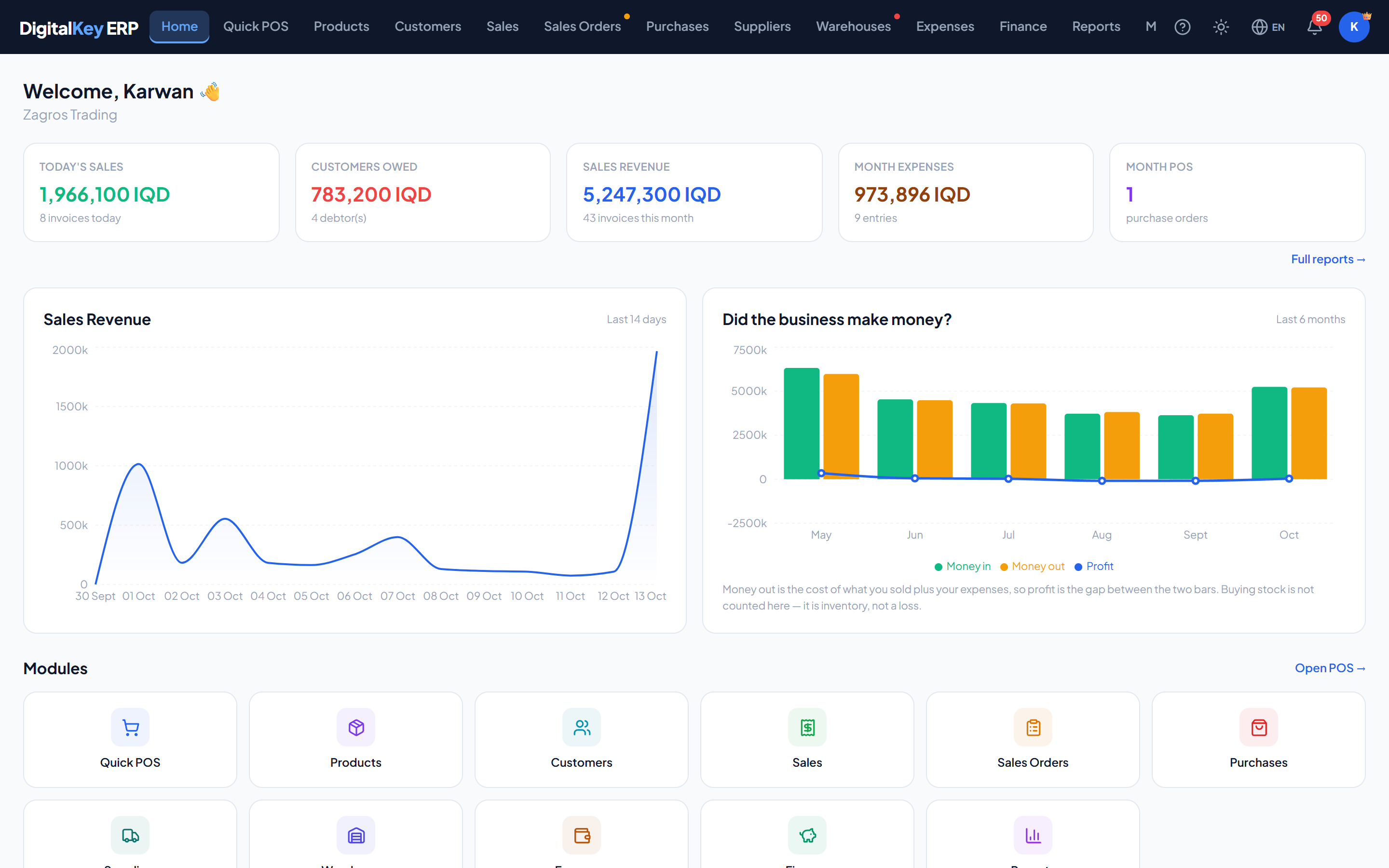
- Dashboard — reading the numbers on the landing screen.
- Quick Sale — make your first sale.