Reseller Guide
Managing Tenants
The businesses you have brought onto the platform. You see only your own.
Last updated 2026-10-13
DigitalKey ERP — Docs · digital-key.co/docs/reseller/tenants
Overview
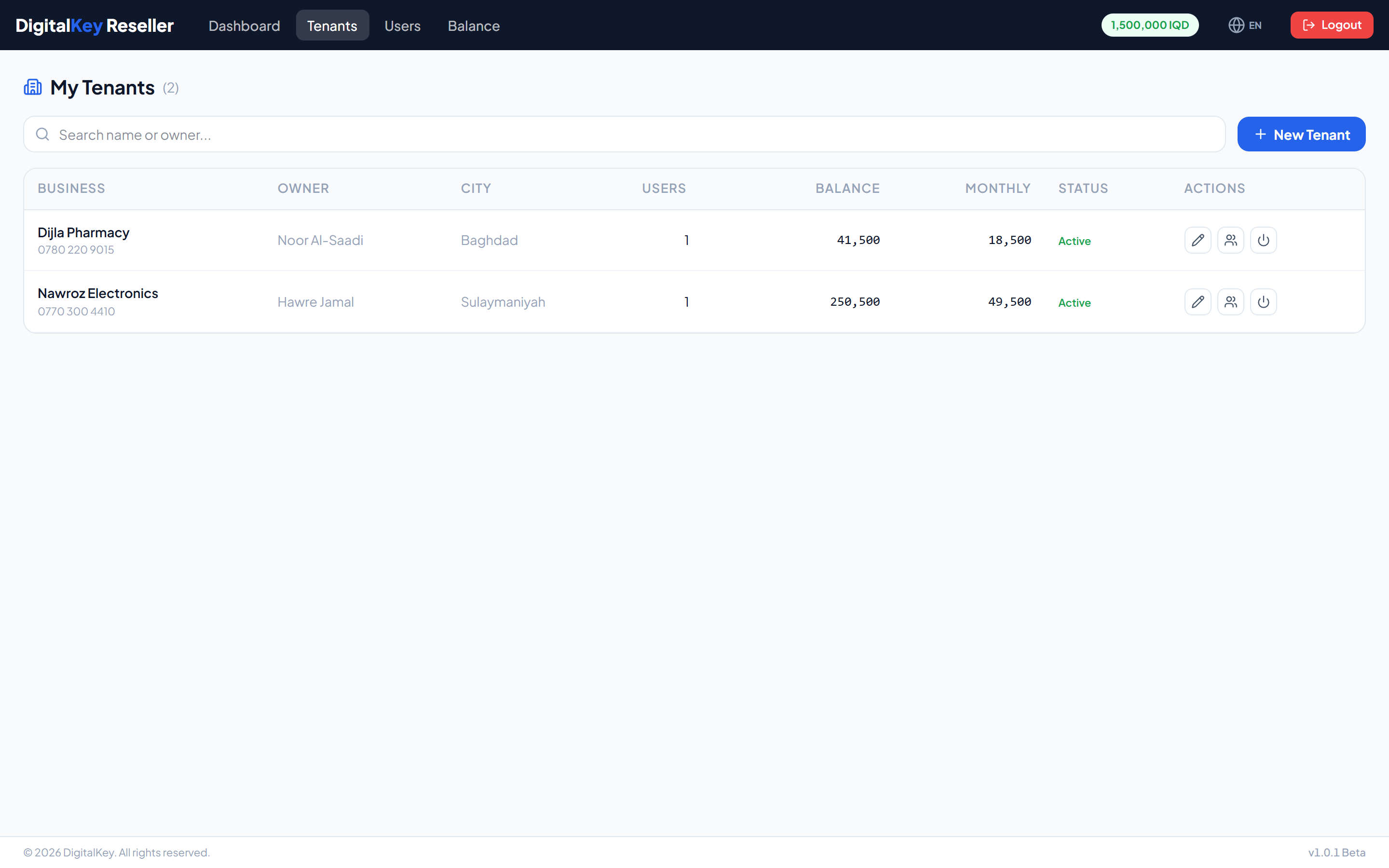
Every tenant you create is automatically attached to your reseller account. The list is filtered to yours — tenants belonging to the platform directly or to another partner are not visible.
Reseller — Reseller tenants list
- 1
Open Tenants
Choose Tenants in the reseller portal.
- 2
Create the business
Enter the business name and owner details. Only the name is required, but contact details make support easier later.
Reseller — Create tenant form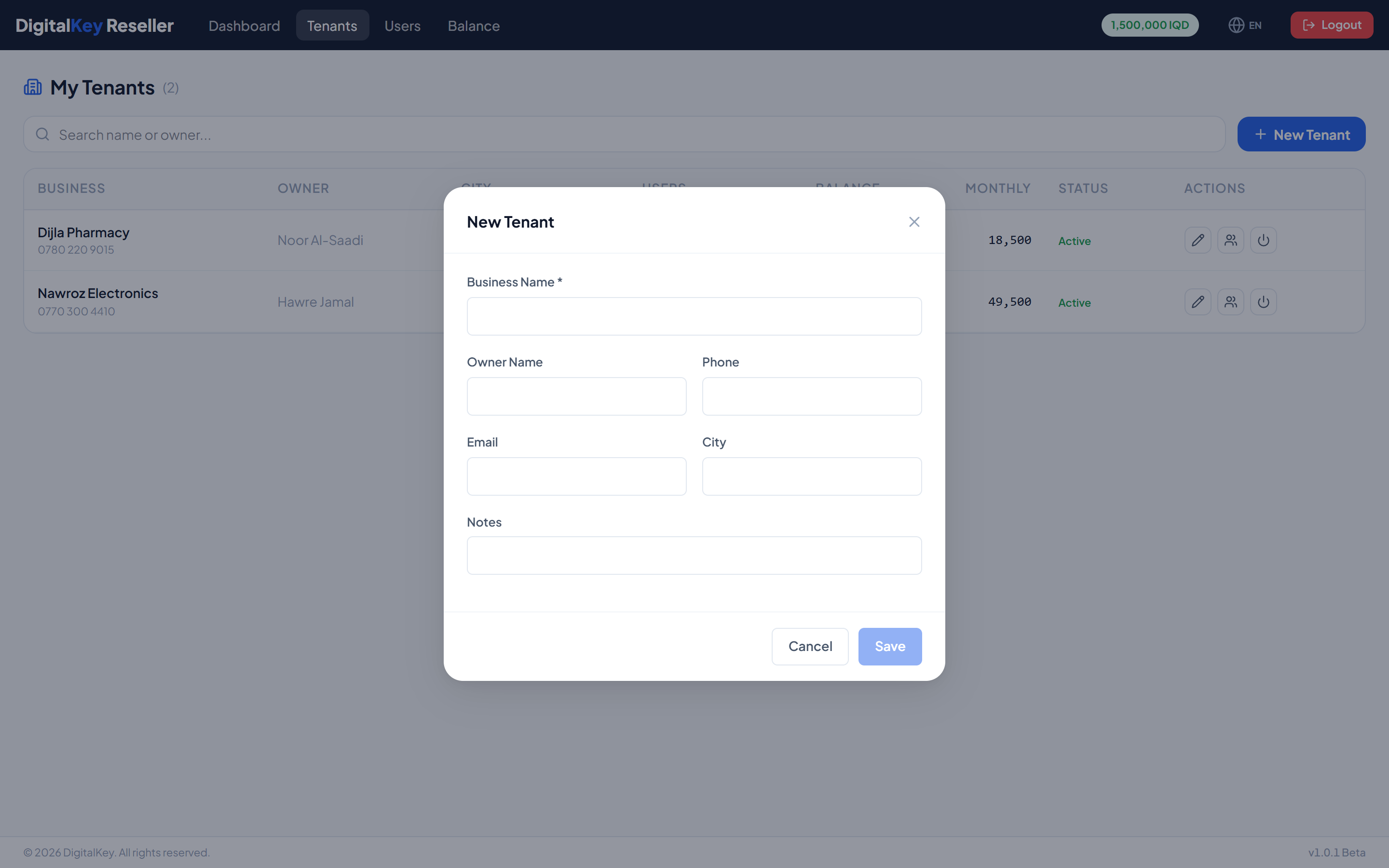
Create tenant form — Business name, owner, contact details and city. - 3
Create the owner user
Go to Users and create an owner for the new business. Until a user exists, nobody can sign in.
- 4
Subscribe and fund
Give the user the features they need and top up enough balance to cover the first month.
Tenant fields
POST /api/v1/reseller/tenants
| Parameter | Type | Required | Description |
|---|---|---|---|
business_name | string | Required | The business's trading name. |
owner_name | string | Optional | Name of the owner. |
email | string | Optional | Business contact email. |
phone | string | Optional | Business contact phone. |
city | string | Optional | City. |
country | string | Optional | Country. |
notes | string | Optional | Your own notes. Not visible to the business. |
NoteThere is no
reseller_id field here — tenants you create are attached to you automatically. Reassigning a business to a different partner is a platform administrator action.What the list shows
| Parameter | Type | Required | Description |
|---|---|---|---|
tenant_id | integer | Optional | Identifier. |
business_name | string | Optional | Trading name. |
user_count | integer | Optional | Users in this business. |
total_balance | decimal | Optional | Combined balance of its users, in IQD. |
total_monthly_cost | decimal | Optional | Combined monthly cost of its users. |
is_active | boolean | Optional | Whether the business is enabled. |
TipSort by balance against monthly cost to see which customers need topping up next. Any business holding less than one month of cover is the one to call.
Disabling a tenant
| Parameter | Type | Required | Description |
|---|---|---|---|
PUT /reseller/tenants/{id}/toggle | endpoint | Optional | Enable or disable one of your businesses. |
ImportantDisabling blocks sign-in for every user in that business at once. It does not stop billing — deductions keep running against their balances while they are locked out.
Related
- Managing Users — the next step after creating a tenant.
- Balance Management — funding your customers.
- Reseller Guide — the overview.