Main Currency
The one currency every price, cost, sale, purchase and report of your business is recorded in.
DigitalKey ERP — Docs · digital-key.co/docs/settings/currency
Choosing it
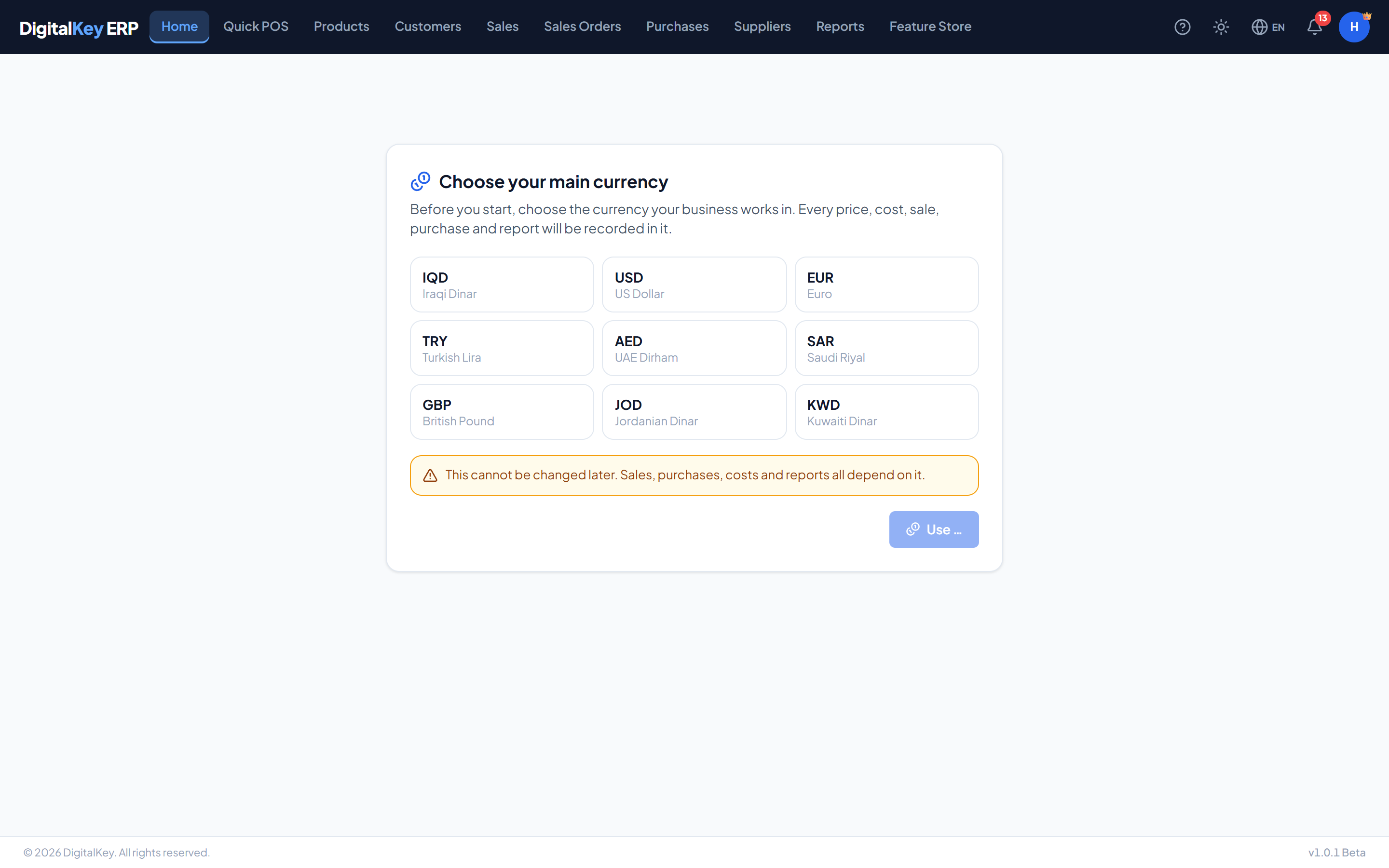
The first time the owner signs in, the system asks for the business's main currency. Until it is chosen nothing can be recorded — every screen that would save business data waits for it, and a staff member who signs in first is asked to have the owner choose.
| Parameter | Type | Required | Description |
|---|---|---|---|
IQD | 0 decimals | Optional | Iraqi Dinar. |
USD | 2 decimals | Optional | US Dollar. |
EUR | 2 decimals | Optional | Euro. |
TRY | 2 decimals | Optional | Turkish Lira. |
AED | 2 decimals | Optional | UAE Dirham. |
SAR | 2 decimals | Optional | Saudi Riyal. |
GBP | 2 decimals | Optional | British Pound. |
JOD | 3 decimals | Optional | Jordanian Dinar. |
KWD | 3 decimals | Optional | Kuwaiti Dinar. |
Where to see it
My Account → Currency shows the main currency, that it is locked, and the date it was set.
Platform billing is always in IQD
Your subscription — feature prices, your balance, deductions and top-ups — is in Iraqi Dinar whatever your business currency is. A business working in dollars still pays its DigitalKey subscription in IQD.
Showing one invoice in another currency
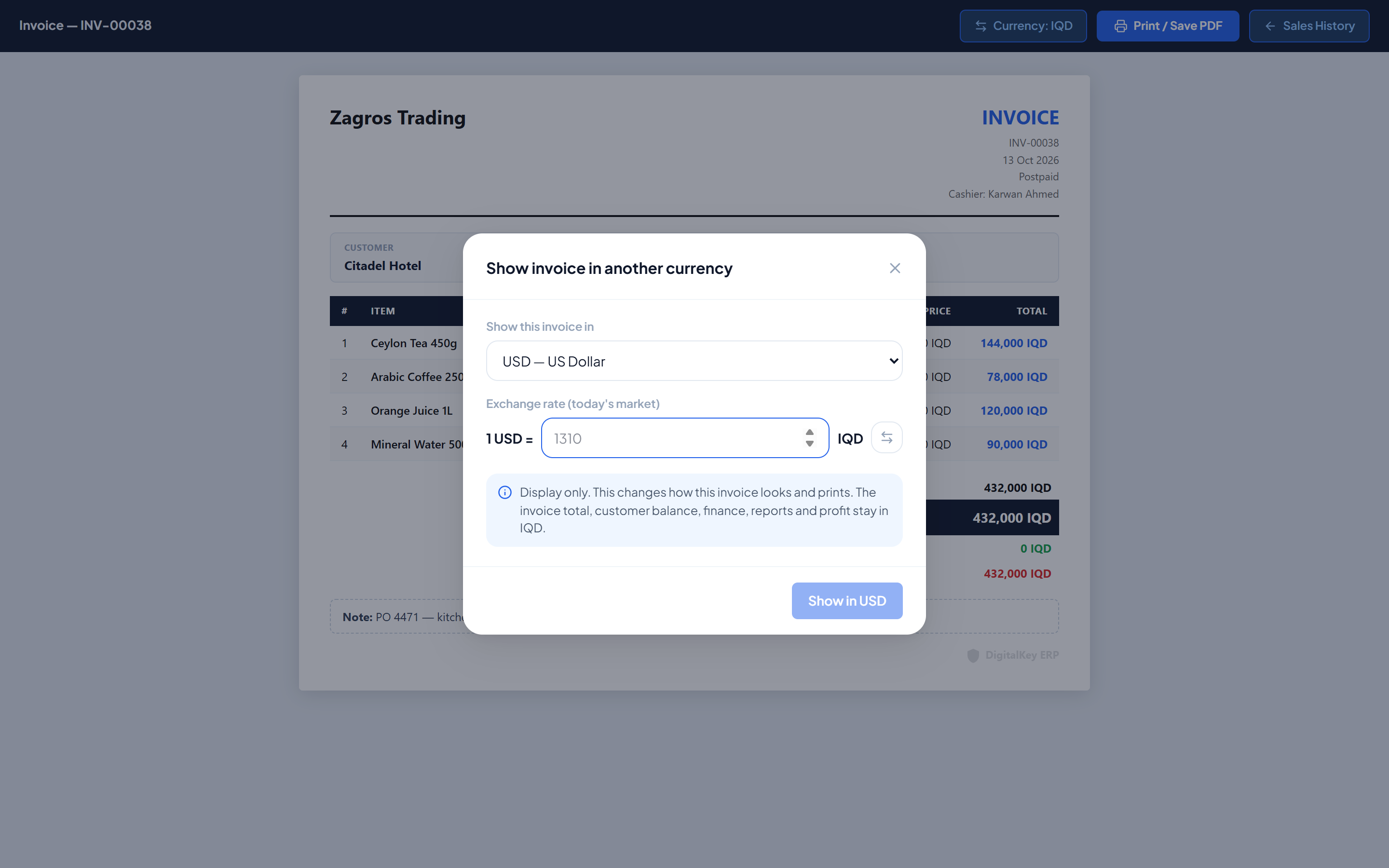
A customer who thinks in dollars can be handed an invoice in dollars even though your books are in dinar. On the invoice's print preview, press Currency, choose the currency and type today's exchange rate.
| Parameter | Type | Required | Description |
|---|---|---|---|
GET /currency | endpoint | Optional | The business's main currency, and whether it is set. |
PUT /currency | owner | Optional | Choose the main currency. Works once. |
PUT /sales/{id}/display-currency | endpoint | Optional | Show one invoice in another currency at a typed rate. |
DELETE /sales/{id}/display-currency | endpoint | Optional | Show it in the main currency again. |
Daily exchange rates for purchases
When you buy abroad, the freight cost per CBM on a purchase can be typed in another currency. For that you enter today's rate once per currency; every cost typed in that currency that day converts at it.
- The rate is entered as how much 1 unit of your main currency buys.
- A receipt with a foreign-currency cost is refused until today's rate exists.
- My Account → Currency lists today's rates, who entered them, and the last 90 days.
Related
- First Login — where the choice is made.
- Print Invoice — the print preview.
- Receiving Goods — cost per CBM.