Purchase Orders
A purchase order is what you send a supplier to say what you want. It affects nothing in your books until the goods arrive.
DigitalKey ERP — Docs · digital-key.co/docs/purchases/purchase-orders
purchase.orders3,000 IQD / monthOverview
A purchase order records intent to buy. It does not change stock and does not create a liability — those happen when goods are received against it.
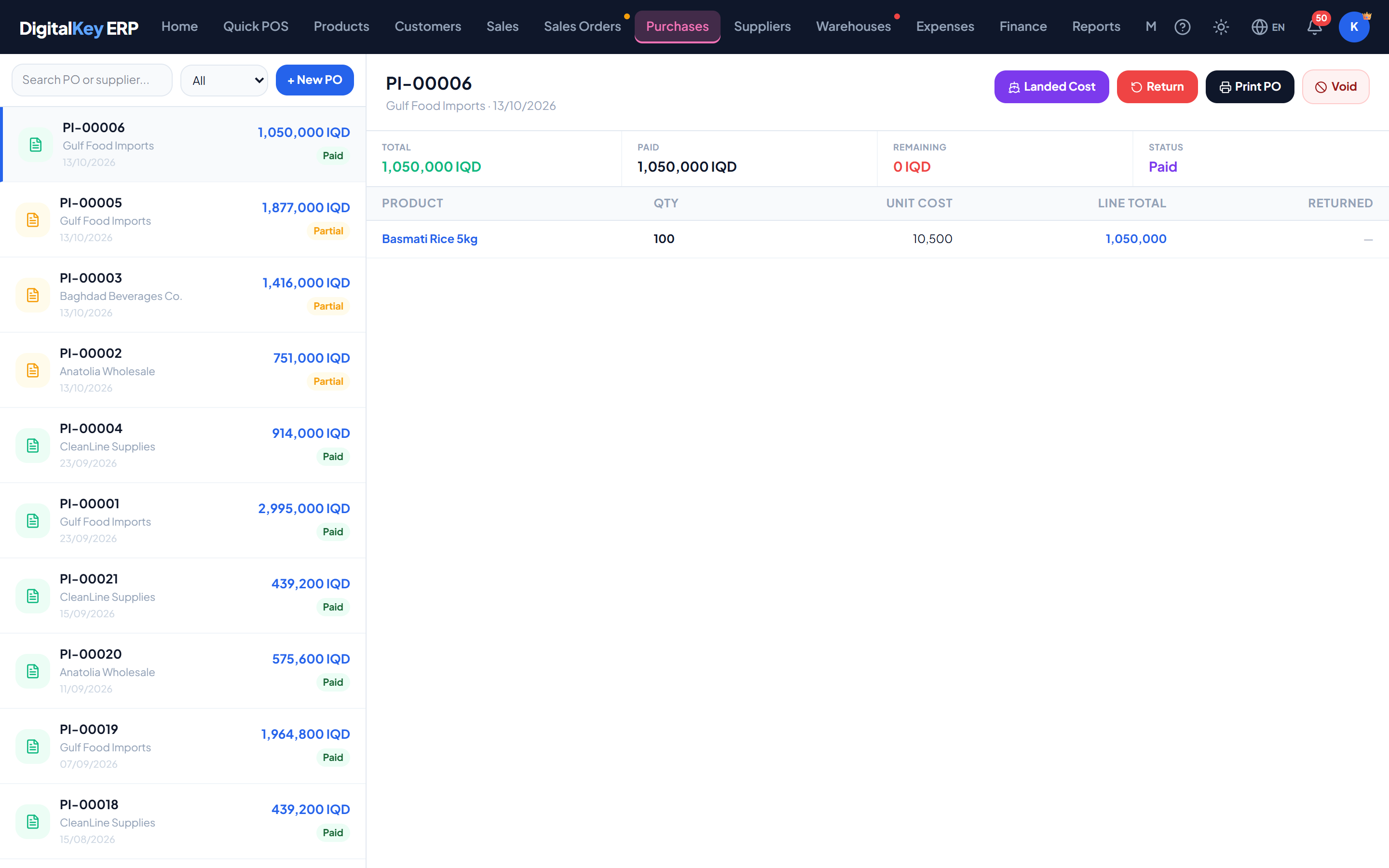
- 1
Start an order
Go to Purchases, open Purchase Orders and create a new one.
- 2
Choose the supplier
Pick who you are buying from. Required.
- 3
Add the items
Add each product with the quantity you want and the unit cost you expect to pay. Items not in your catalogue can be added by name.
Purchases — Purchase order lines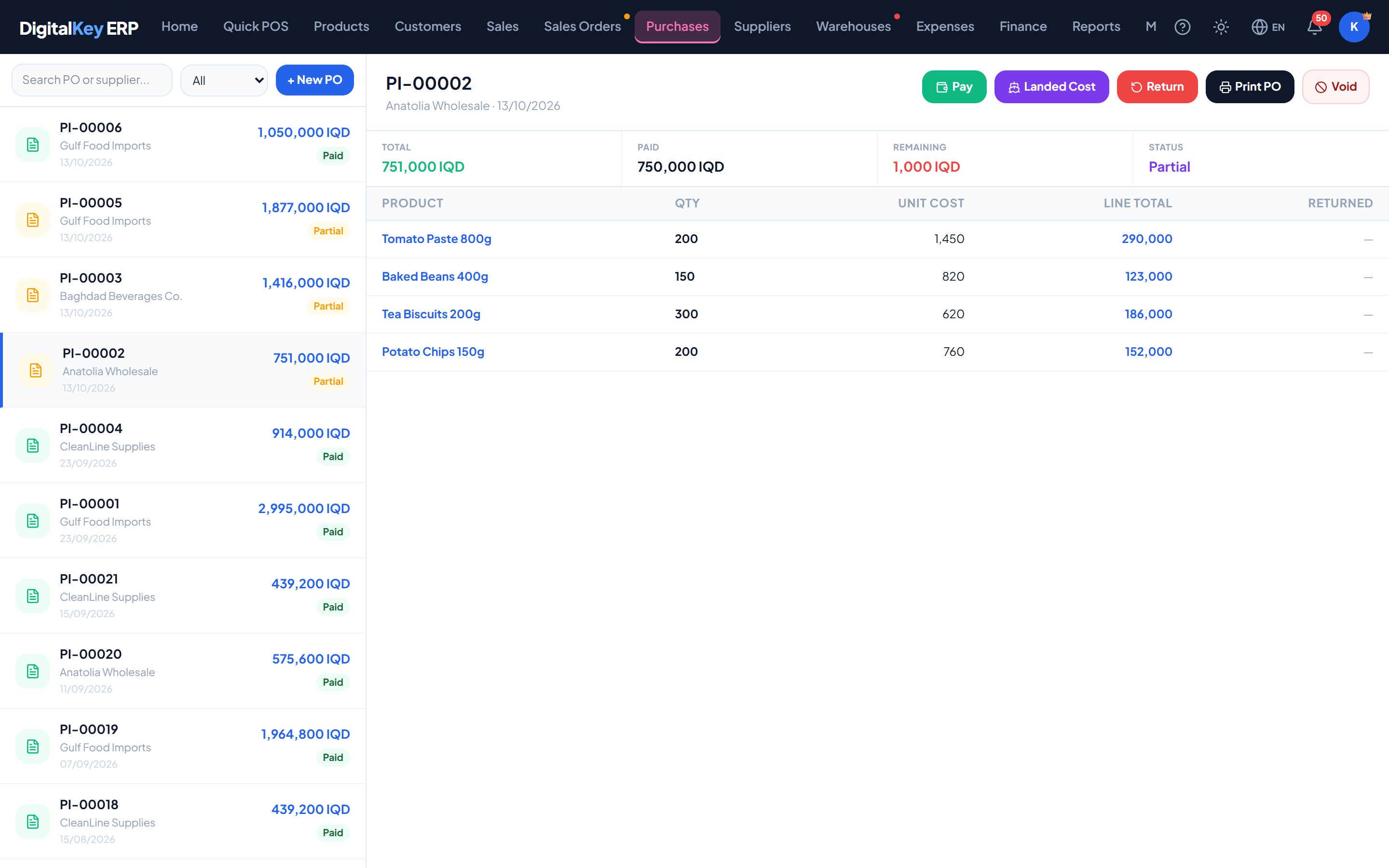
Purchase order lines — The item table with ordered quantity, unit cost and line total. - 4
Set the expected date
When you expect delivery. Optional but useful for chasing.
- 5
Save and send
The order is created as a draft. Move it to sent once it has gone to the supplier.
Order fields
| Parameter | Type | Required | Description |
|---|---|---|---|
supplier_id | integer | Required | Supplier the order is placed with. |
expected_date | date | Optional | When delivery is expected. |
notes | string | Optional | Free text for the supplier or your own reference. |
items | array | Required | The order lines. |
| Parameter | Type | Required | Description |
|---|---|---|---|
product_id | integer | Optional | Product being ordered. Omitted for a free-text line. |
custom_name | string | Optional | Item name where there is no product record. |
qty_ordered | decimal | Required | Quantity ordered. |
unit_cost | decimal | Required | Expected cost per unit, in your main currency. |
line_total | decimal | Required | Quantity multiplied by unit cost. |
Statuses
| Parameter | Type | Required | Description |
|---|---|---|---|
draft | status | Optional | Being prepared. Not yet sent to the supplier. |
sent | status | Optional | Issued to the supplier and awaiting delivery. |
partial | status | Optional | Some but not all of the ordered quantity has been received. |
received | status | Optional | Everything ordered has arrived. |
cancelled | status | Optional | The order will not be fulfilled. |
Allowed transitions
draft   ──►  sent, cancelled
sent    ──►  received, partial, cancelled
partial ──►  received, cancelled

received  — final
cancelled — finalreceived and cancelled are end states with no transitions out. An order cannot go backwards — a sent order cannot return to draft.| Parameter | Type | Required | Description |
|---|---|---|---|
status | string | Required | The new status. |
reason | string | Optional | Why. Stored when cancelling. |
Tracking what has arrived
Each line tracks ordered and received quantities separately:
| Parameter | Type | Required | Description |
|---|---|---|---|
qty_ordered | decimal | Optional | How many you asked for. |
qty_received | decimal | Optional | How many have actually arrived so far. |
qty_received and moves the order to partial automatically. You do not need to set the status by hand as deliveries trickle in.Printing
An order or purchase can be printed to send to the supplier. Its layout has its own settings — title, logo, columns, signature labels and footer — separate from your sales invoice. Anything left blank falls back to your invoice settings. See PO Print Settings.
Related
- Receiving Goods — the next step.
- Purchases — suppliers and invoices.
- Stock Management — where the stock lands.