Marketplace
A shop window for your products on market.digital-key.co, where other businesses browse, fill a cart and send you orders.
DigitalKey ERP — Docs · digital-key.co/docs/marketplace
market.publish10,000 IQD / monthOverview
The DigitalKey marketplace is a separate website — market.digital-key.co — where businesses buy from businesses. With the Marketplace Shop feature you choose which of your products appear there. Buyers browse many shops, put products from several of them in one cart, and send their orders. Each shop receives its own order.
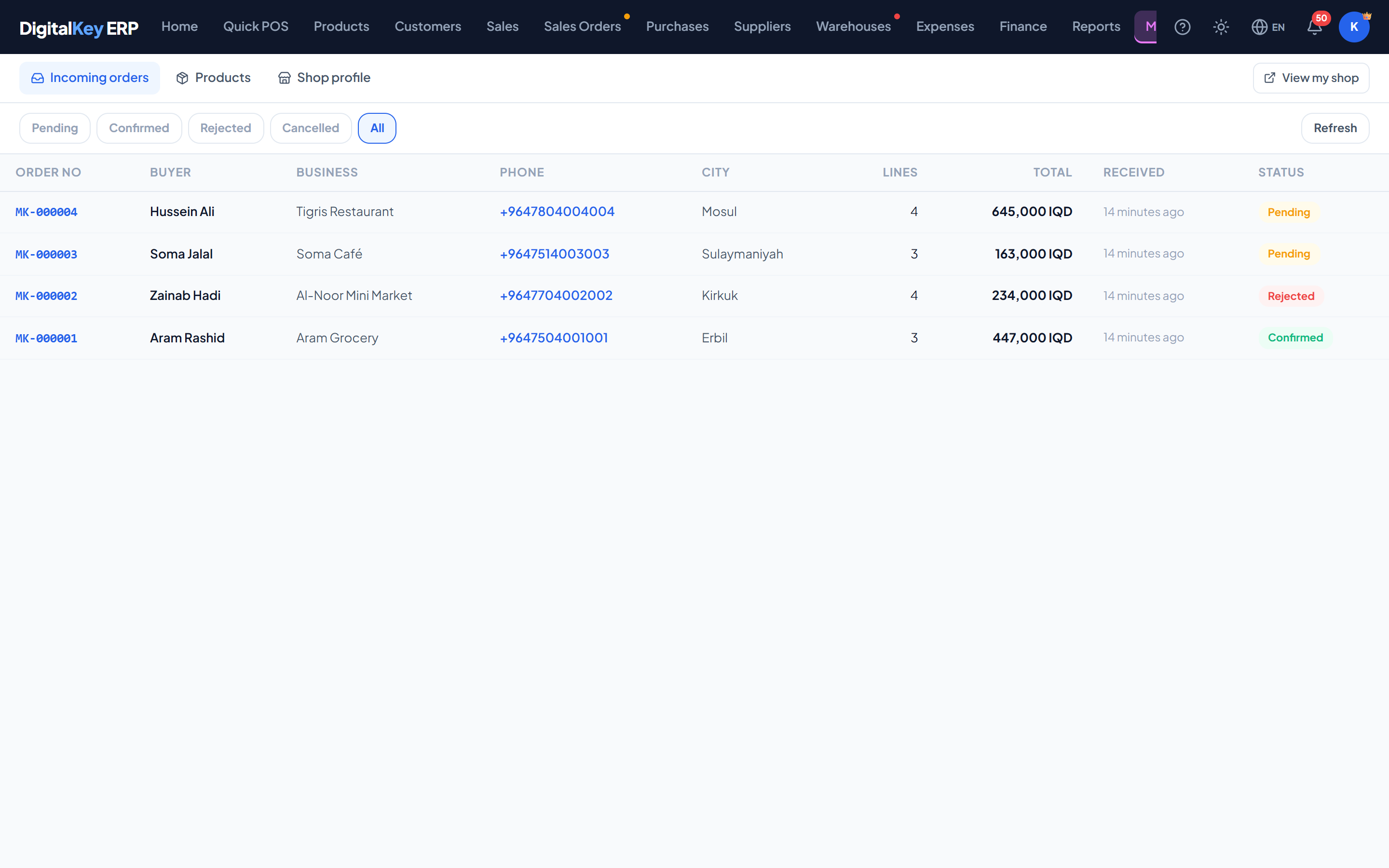
The three tabs
| Parameter | Type | Required | Description |
|---|---|---|---|
Incoming orders | tab | Optional | Orders buyers have sent you, to confirm or reject. |
Products | tab | Optional | Choose which products are published. |
Shop profile | tab | Optional | Your shop's address, name, contact details and visibility. |
View my shop opens your public shop page as a buyer sees it.
What a marketplace order is — and is not
That is deliberate. It means:
- A buyer can never reserve or run down your stock from the website.
- Your books only ever contain sales you actually made.
- Price, delivery and payment are agreed between you and the buyer, as they are today.
What buyers can and cannot see
| Parameter | Type | Required | Description |
|---|---|---|---|
Products | published only | Optional | Only the products you publish. Name, unit, category and image. |
Price | your choice | Optional | Your selling price — or “Price on request” if you switch prices off. |
Stock | yes / no | Required | Only “In stock” or “Out of stock”. The quantity you hold is never shown, and an out-of-stock product cannot be ordered. |
Cost | never | Optional | Cost prices never leave the ERP. |
Other shops' orders | never | Optional | One cart sent to three shops makes three separate orders. A shop sees only its own lines. |
Who the buyers are
Buyers create their own account on the marketplace site with a name, business name, phone and city. They are not users of your business and cannot sign in to the ERP; a marketplace login works only on the marketplace. When you confirm an order you can link the buyer to one of your own customers, so their next order is matched automatically.
When a shop is on the marketplace
A shop is visible to buyers only while all of these are true:
- The business holds the Marketplace Shop feature on an active user.
- The shop profile has been set up and saved.
- Shop is on the marketplace is switched on in the shop profile.
Currencies
Each shop's prices are in that shop's own main currency. A buyer's cart with products from a dinar shop and a dollar shop shows the two totals side by side and never adds them together.
In this section
- Shop Profile & Publishing — setting up the shop and choosing products.
- Incoming Orders — confirming, rejecting and turning an order into a sale.